Teamsheet
How to create and manage teamsheets for your matches
Last updated: 2026-03-02
More guides in this category
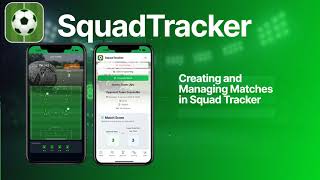

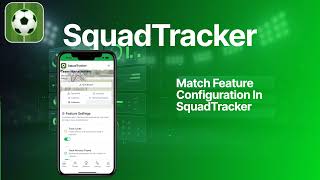
Step-by-step PDF guide
Annotated screenshots for every step
Using Teamsheets
Watch the video above for a walkthrough of the teamsheet feature.
What you'll learn
- How to create a teamsheet for a match
- Selecting players and setting positions
- Recording referee details and match administration
- Downloading the teamsheet as a PDF
- Open a match — Go to the Matches page and select a match
- Click "Teamsheet" — Open the teamsheet editor for that match
- Select your players — Choose which players are in the squad
- Set positions — Assign player positions on the teamsheet
- Add referee info — Record referee name and match admin details (fee paid, ID checks)
- Download PDF — Generate a professional PDF teamsheet to share or print
- Fee Paid — Mark whether the referee fee has been paid
- ID Checks Complete — Confirm player ID checks are done
- Opposition Has Match Sheet — Track whether the opposition has received their copy
Quick Steps
Referee Tab
The referee tab lets you track important match-day administration: